-
E-mail
18206139191@163.com
-
Phone
18206139191
-
Address
2505, Building 2, Jitian International Plaza, 999 Bailu South Road, Kunshan Development Zone
Suzhou Yujingheng Automation Equipment Co., Ltd
How can an intelligent electronic scale simultaneously record multiple sets of weight upper and lower limits?
Date: 2025-12-21Read: 13
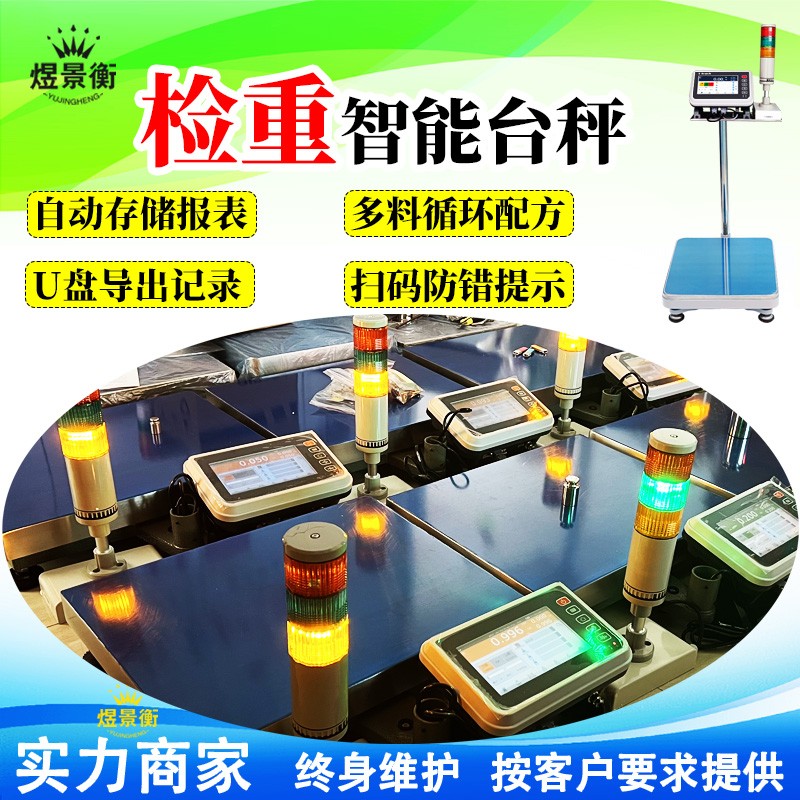
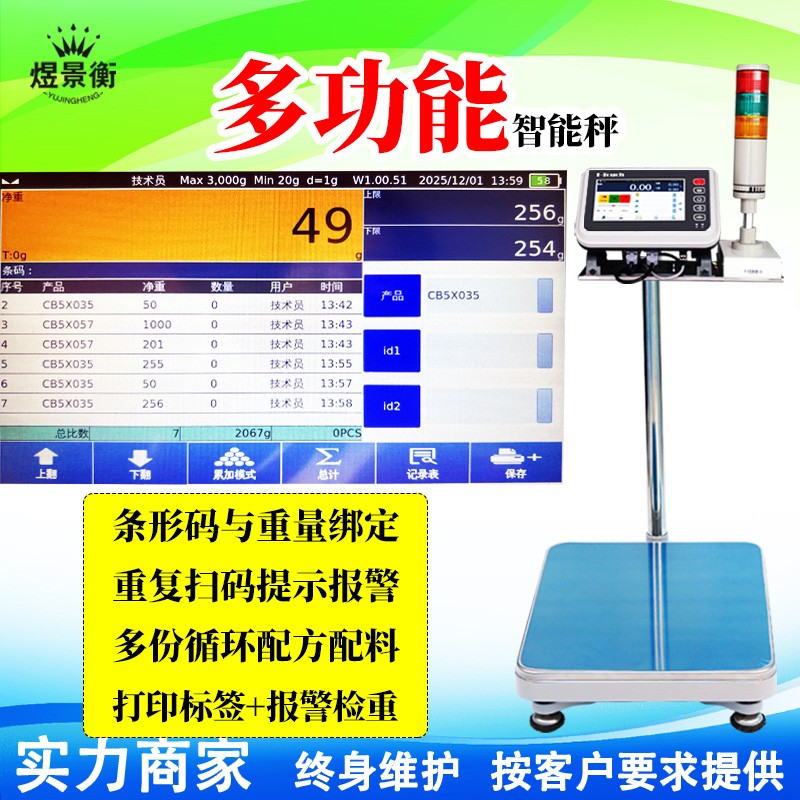
How can an intelligent electronic scale simultaneously record multiple sets of weight upper and lower limits?
How can an intelligent electronic scale simultaneously record multiple sets of weight upper and lower limits?
Recommended series of industrial electronic scales for Suzhou Yujingheng brand, including YJH-GS assembly line automatic weighing scale, YJH-T7 intelligent electronic platform scale, YJH-A7 intelligent electronic table scale, YJH-B7 intelligent electronic balance, YJH-T industrial weighing electronic platform scale, YJH-A industrial weighing electronic table scale, YJH-B high-precision electronic balance, YJH-AI intelligent receiving scale, YJH-DWS e-commerce express logistics scanning code, photography and weighing integrated machine, etc
Intelligent electronic scales achieve multiple sets of upper and lower limit management by binding products with weight thresholds. They can simultaneously store and flexibly call multiple sets of weight standards, making them particularly suitable for multi variety production, quality inspection, and piece rate management scenarios.
1、 Multiple upper and lower limit storage and calling mechanisms
1. Storage method and capacity
Storage solutionfeatureApplicable scenariosstorage capacity
Product code associationBind the upper and lower limits of each group with the product ID, and scan the code to automatically call themProduction line and warehouse management100-1000 sets
Fixed group storageStore multiple sets of parameters by number (1-999) and manually select the groupLaboratory, small batch productionUp to 999 groups
Formula/Work Order ModeAssociated with production work orders, load parameters by batchFood processing, chemical ingredients10-100 groups
Core principle: Store upper and lower limit data in an electronic scale, without loss when powered off, and support quick retrieval through scanning codes or manual selection.
2. Process for creating and managing multiple sets of upper and lower limits
1. Basic settings
Go to System Settings → Alarm Management → New Alarm Group
Enter product code/name → Set upper limit value → Set lower limit value → Save
How can an intelligent electronic scale simultaneously record multiple sets of weight upper and lower limits?
2. Batch import (recommended)
Edit the upper and lower limit data of all products through an Excel spreadsheet
Import the table into the electronic scale using USB/network, and complete 100+sets of parameter settings at once
3. Calling method (during weighing)
Scan code trigger: Scan the product barcode → The system automatically recognizes and loads the corresponding upper and lower limits
Manual selection: Browse the product list through the touch screen/buttons and select the corresponding product
Shortcut key call: preset 1-9 numeric keys corresponding to commonly used products, one click switch
2、 Detailed explanation of implementation steps (taking product code association as an example)
1. Creation of Product Database
Operation path: Menu → Product Management → Add Product
Input item:
Product code (required, such as' P001 ')
Product Name (e.g. 'Screw')
Weight limit (e.g. 705g)
Lower weight limit (e.g. 690.5g)
Other parameters (optional, such as specifications, unit price)
After saving, the system automatically generates product files
2. Weighing and upper and lower limit judgment process
Complete operation:
Employee card swiping/scanning code login → System records employee ID
Scan product barcode → System searches for corresponding product file → Load upper and lower limits
Place the product on the weighing platform → automatic weighing after stabilization
System judgment:
Weight>upper limit: triggers upper limit alarm (red light+beep)
Lower limit ≤ weight ≤ upper limit: judged as qualified (green light), record data
Weight<lower limit: triggers lower limit alarm (yellow light+beep)
Automatic data recording: job number+product code+weight+time+judgment result
Special Features:
Only record qualified weight: 'Only qualified accumulation' can be set to save only weight data that meets the upper and lower limits
Multi segment alarm: Different alarm types can be set, such as' alarm outside the upper limit ',' alarm outside the lower limit ',' alarm within the interval ', etc